
Know exactly what should be in the drawer
Cash leaks are quiet. CGRAM makes them loud: it ties beginning cash, sales, expenses, and GCash deposits into one chain that says precisely how much cash should be in the drawer at close — and flags it the moment the count is off.
Crew follow the steps; owners get the accountability. No spreadsheets, no end-of-day mystery.
No card needed · Works offline · Made for Philippine food businesses
The cash chain
Beginning cash + in-store sales − expenses − GCash deposited = cash in drawer. Today's closing cash carries straight into tomorrow's opening.
Guided closing flow
Crew enter expenses from a pre-set category list, log the GCash deposit and fee, then count ending cash — one screen at a time, no skipping.
Auditor spot checks
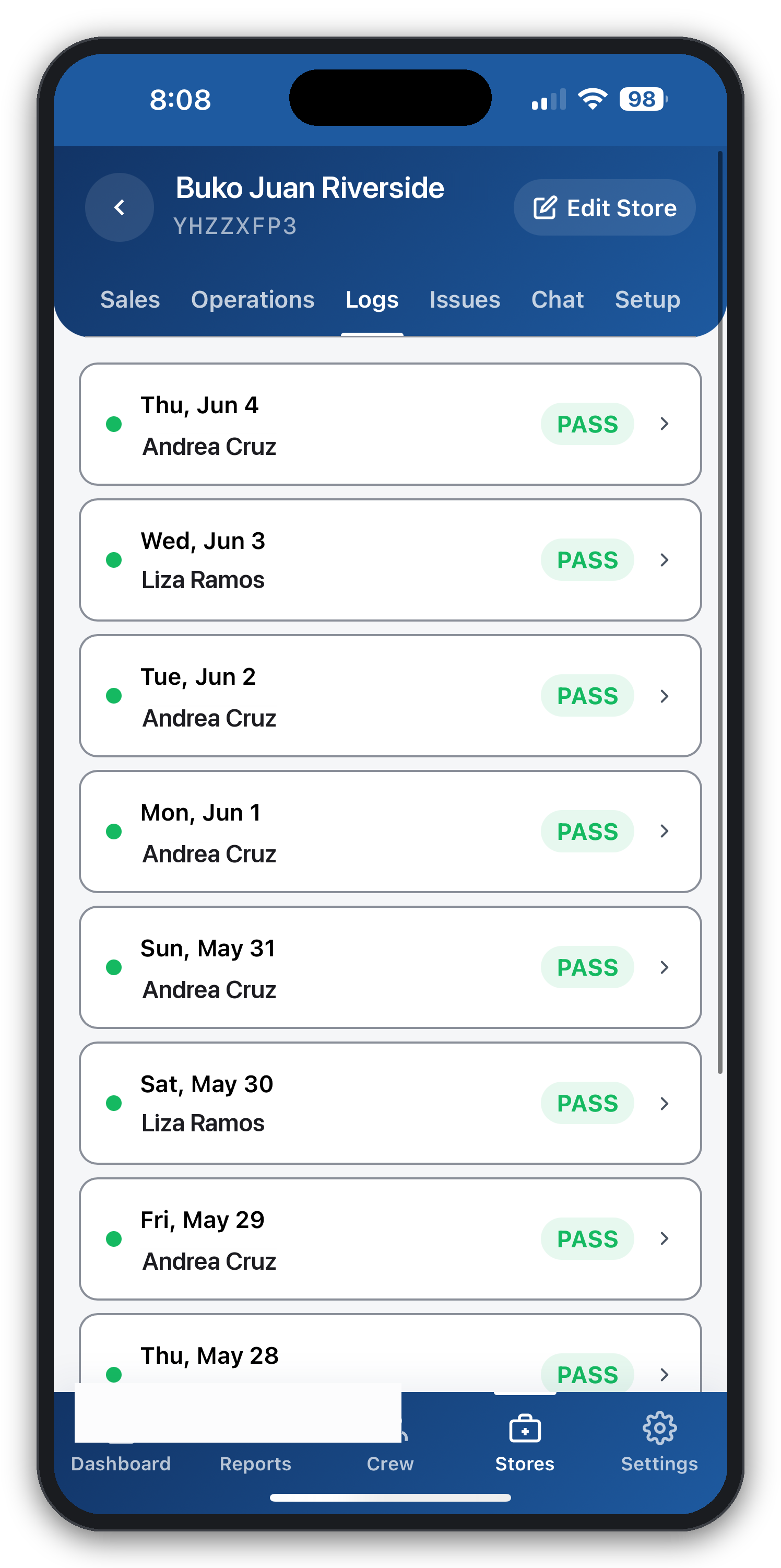
A separate auditor login runs unannounced physical counts and generates a discrepancy report. Crew never see the audit result — only a pass/fail signal.
Instant owner alerts
A short drawer, a flagged discrepancy, or an after-the-fact edit pings the owner immediately — not at the end of the month.
Tamper-proof amendments
Any edit made after the audit step is logged as an amended entry with a timestamp and notifies the owner — the trail can't be quietly rewritten.
GCash fee tracking
Every deposit's fee is captured and accumulated monthly, so the true cost of moving cash out of the kiosk is always visible.
One chain from drawer to deposit
Cash accountability fails when the numbers live in different places — sales in one notebook, expenses in another, deposits in a text message. CGRAM puts them on a single chain: beginning cash plus in-store sales, minus expenses and GCash deposits, equals the cash that should physically be in the drawer.
Because that closing figure carries into the next day's beginning cash, a discrepancy can't be buried by tomorrow's activity. It's caught on the day it happens, against the crew on shift.
Unannounced audits crew can't game
CGRAM includes a dedicated auditor mode with its own login. An auditor can drop in, enter a physical count, and the app generates a discrepancy report — all without revealing the expected amount to the crew. Crew only ever see a green or red signal, never the numbers behind it.
Edits after the audit step are flagged as amended entries with timestamps and an instant owner notification, so the record stays honest even when someone tries to fix it after the fact.
Optional compliance, never forced
CGRAM supports businesses at every stage. Start with a clean daily cash workflow, then enable BIR receipts, DOLE holiday pay, SSS, and PhilHealth per store whenever your business is ready — every regulated feature ships off by default, so you turn it on when it fits.
Start free for 30 days, no card required. After the trial, the GCash fee tracker and auditor mode are included from the Starter plan at ₱299/month for up to three stores.
Questions, answered
How does CGRAM calculate cash in the drawer?
It uses a simple chain: beginning cash plus in-store sales, minus expenses and minus GCash deposited, equals the cash that should be in the drawer. That closing amount becomes the next day's beginning cash.
Can crew hide a shortage?
No. Discrepancies are flagged to the owner, audit results are hidden from crew, and any edit after the audit step is logged as a timestamped amendment with an instant owner alert.
What is auditor mode?
A separate login for unannounced spot checks. The auditor enters a physical count and CGRAM produces a discrepancy report; crew only see a pass/fail signal, never the expected amount.
Is the cash accountability app free?
It's free for 30 days with no card. Auditor mode and the GCash fee tracker are included from the Starter plan (₱299/month, up to three stores).
Explore more
Run your kiosk from your phone — starting today
Try CGRAM free for 30 days. No card needed. Or message us for a live 15-minute demo on Messenger.
- Works offline
- Set up in minutes
- Cancel anytime